Friday, 28 August 2015

Unity 5 WebGL vs Web Player. 12 Pros and Cons.


Unity Web Player is up to this date still the most popular way of making your game arrive to your audience. Very often you will want to put your game Online on your Landing Page even if your game is for mobile or desktop. The Web Player is then one of your options, but not the only one. WebGL new builds are the new alternative for publishing your games in your browser. I have to admit it's very impressive and promising... But is it really superior? I tried both and I can tell you my insights... hope it will help :)

If you think one of both is absolutely better than the other, then you are absolutely wrong :)

Web Player

The good old Web Player has been with us for many years. It started fighting flash for it's piece of cake... they said flash was dead (the same with the Web Player) but it is still quite commonly used despite the fact that many platforms stop to support it (the same with the Web Player).

A bad penny always turns up... This will not be the end of the Web Player :)

Friday, 7 August 2015

Unity 4.6 - Simple Tutorial, Unity Event Delegates Exposed in Editor Example


Exposing UnityEvent in the editor is much simpler than it looks! You will have the same fancy delegate event calls that the UI elements such as Buttons are having to drag and drop behaviour calls easily between your scripts! Unity Events were one of the fantastic additions to Unity 4.6, way before version 5 came to life. To my surprise, they passed very unnoticed! It's even hard to find an example that describe how to use them, not even on the official documentation!!! This is so sad that I decided to write an example myself  and try to spread the use of this fantastic feature!

UnityEvent in a custom script. Very easy and very useful! :)

So let's imagine that you have are creating a "system" for your Unity game. This "system" can be anything, from something simple like a simple timer to complicated path finding system or full featured combat engine.You want your system to be as independent as possible, that's why when important things happen you use delegates. However, delegates imply that the script that is listening for this events knows about your system at code level.

Sometimes you will want that the listener classes don't know about the notifying system neither. In the exact same way that Unity UI or NGUI work, the "links" between the classes are defined in the editor via drag and drop by the developer. Sometimes a game designer or an artist without programming skills will be doing it and then it's one of the best options.

Stop talking and let's see how it works. In this example we will have 2 simple classes.

Friday, 17 July 2015

Rombo Games. Update 2: Publish or Perish.

Publish or Perish, the Hybrid game for young scientists! :)

Hello once again! ^^

I'm publishing an update of the progress of our latest project at Rombo Games! In the last update I was talking you about HippoThesis. Well the project has evolved! It has now a new name: Publish or Perish.

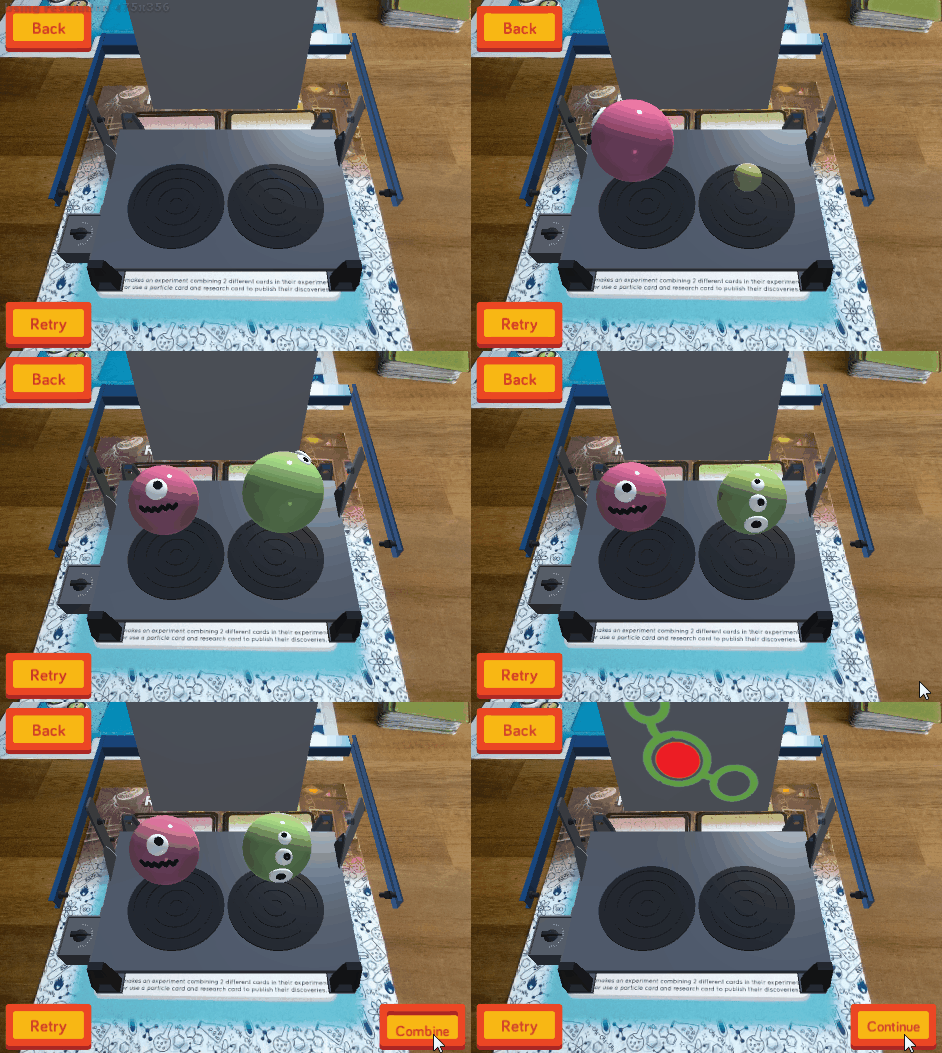
Publish or Perish is a hybrid board game about being a scientist! We want to tackle the challenge of creating an educational game that not only teaches you the theory behind sub-atomic particles but also the practise of the scientific method! It's been designed as a family game simple enough for kids to grasp it but offers a competitive challenge for adults as well. And of course, it's super fun! :D

Prototype keeps steady progress! Soon more and more! :D

Friday, 26 June 2015

Rombo Games. Update 1: HippoThesis.

Rombo Games has been born! It's official! :D
Hello everyone!

Today I will be short. I have been working hard lately, but like always, work produces its results. I am now officially co-founder of a new company called Rombo Games! :D

Rombo Games will make hybrid games. Hybrid games are those that use physical board game components and mobile apps, just like Roar. Thanks to private investors the company is already live and I am ready to present you our first prototype, HippoThesis!

HippoThesis. Play and learn how to do real sciene!

Friday, 5 June 2015

Localization in Unity for free! Asset Store Review.


Learning how to localize your game in Unity is much easier than you think. I have to admit, that it was one of the things that "scare" me most of creating professional level video games. Fortunately, Unity is lucky enough to count with SmartLocalization on the Asset Store. Since it is one of my favourite assets on the store I will ignore the fact that it is more than two years old and it has already plenty of reviews and I will make my own :)

Localization, also called l10n, is a term that covers everything that will make your users from around the globe feel like they are at home whenever they turn on your game. This means that not only text should be localized, but also pictures or audio. Ideal localization should be also done on the fly depending of the user preferences without affecting the performance of the game. Before localizing, ROAR! I had very clear that this is what

The good news is that SmartLocalization is this and much more! :)

The better news? It's free! :D


Friday, 15 May 2015

12+1 Tips to Optimize your Unity 2D Mobile game. iOS and Android


Learning how to optimize a game for mobiles is something that is hard to teach. Whatever you will read here now will be meaningless unless you find yourself in similar situations. iOS and Android devices are unfortunately weak and this will force you be a stronger developer. While optimizing a program should not be done at the beginning of the development cycle, you will encounter easy to follow practises that will prevent you for doing the same mistakes again and again.

Optimizing a game is half experience half art. You have to learn the shortcuts and second ways of every Import option, Unity behaviour and Line of code you write. When you will find yourself in the situation were your game is too slow in that old iPhone or Android phone of yours, you will have this guide to give you some ideas of how to proceed. In my particular case, it has been ROAR! The first game I have had to optimize seriously due to Vuforia AR plugin already using a lot of the device resources. :)

  • Tip #0: Choose your development device wisely
The slower, the better. However, don't overdo it. Having a too slow device will slow you down and will make you optimize too early, when is not necessary. I guess somewhere in the middle is where the virtue is.

There has never been so much hardware to choose from! :P


Friday, 24 April 2015

How to detect Collisions in Unity. Like a BOSS.


Any game developer beginner has asked himself at some point... how do I know if my character collided with the enemy? or reached the end of the level? or a little bit more specific, what part of the body of the character was hit with the enemy bullet? The answer to all this questions is in the Unity Physics Engine. Thanks to it you will have the most ridiculously easy way to integrate physics into your game (like a line of code? :D)

As I said in my previous post about Delegates and Lerp, this is the next in the family of "Like a BOSS" tutorials. They are simple and straight to the point. I focus on the best utilities I find for each of the components and my best practises with them. In the post you will find an example about Collisions in 2D and at the end you can enjoy the full git project :)

Collisions are of the first things you probably learnt while doing the unity official tutorials. Using collisions is probably one of the simplest things in Unity. Then why am I writing a post about it? Surprisingly, many people find problems while working with them, silly errors due to how they work most of the time. I will try to show you the way of efficiently working with them, avoid this errors and give a little bit more indepth utility like detecting the exact point of the collisions.

(Almost) All kind of colliders in  Unity. Some of them I didn't even knew xD